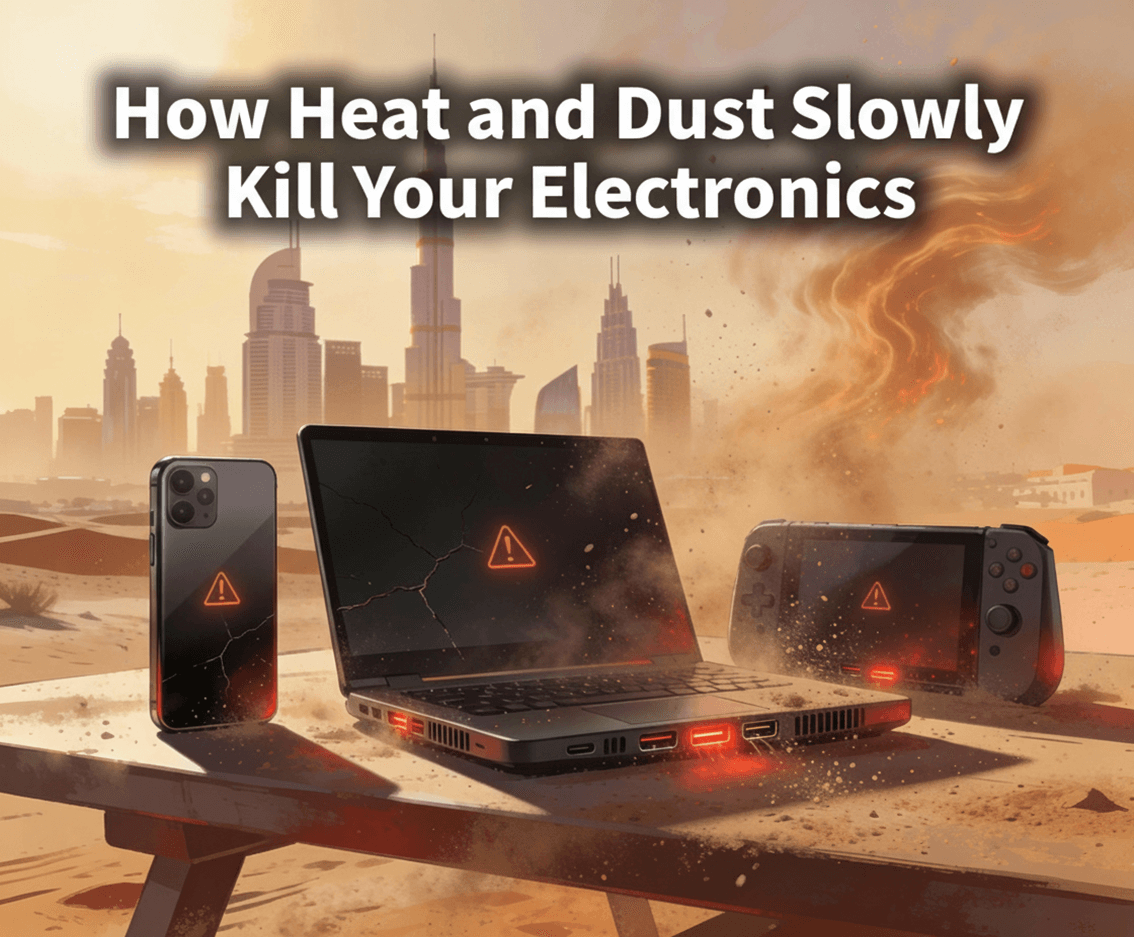
Modern electronics feel solid and dependable. Laptops run for years, smartphones survive thousands of taps, and servers hum quietly in data centers day and night. Yet behind this appearance of durability, two invisible enemies are constantly at work: heat and dust. They rarely cause sudden, dramatic failures. Instead, they degrade components slowly, shortening lifespan, reducing performance, and increasing the risk of catastrophic breakdowns at the worst possible time.
Understanding how heat and dust affect electronics—and how to control them—can save money, prevent data loss, and keep devices running reliably for years longer.
Heat: The Silent Component Killer
All electronic devices generate heat. Whenever electricity flows through a circuit, some energy is lost as heat due to electrical resistance. CPUs, GPUs, power supplies, and voltage regulators are especially heat-intensive. Managing that heat is one of the most important design challenges in electronics.
Why Heat Is So Dangerous
Heat accelerates almost every aging process inside electronic components:
- Semiconductor degradation: High temperatures cause microscopic changes in silicon, reducing transistor efficiency over time.
- Capacitor failure: Electrolytic capacitors dry out faster when exposed to heat, leading to instability or complete failure.
- Solder joint fatigue: Repeated heating and cooling causes expansion and contraction, eventually cracking solder connections.
- Insulation breakdown: Heat weakens insulation on wires and circuit traces, increasing the risk of shorts.
As a general rule, for many electronic components, every 10°C (18°F) increase in operating temperature can cut lifespan roughly in half. This means a device running consistently hot may fail years earlier than one kept cool.
Performance Throttling and Instability
Modern electronics try to protect themselves from heat. CPUs and GPUs automatically reduce speed (thermal throttling) when temperatures climb too high. While this prevents immediate damage, it leads to:
- Slower performance during demanding tasks
- Random system freezes or reboots
- Increased power consumption as cooling systems work harder
Over time, constant thermal stress pushes components closer to their failure thresholds.
Dust: The Hidden Heat Trap
Dust may seem harmless, but inside electronics it becomes a serious threat. Dust is made up of fibers, skin particles, soil, and pollutants—many of which are excellent heat insulators.
How Dust Builds Up
Electronics rely on airflow for cooling. Fans pull air through vents, across heat sinks, and out of exhaust ports. Unfortunately, this same airflow pulls in dust, which slowly accumulates on:
- Cooling fans
- Heat sinks and radiators
- Circuit boards and power supplies
- Air vents and filters
Once dust settles, it doesn’t easily leave on its own.
Dust and Heat: A Destructive Partnership
Dust rarely kills electronics directly. Instead, it amplifies heat damage:
- Blocked airflow: Dust clogs vents and fans, reducing cooling efficiency.
- Insulated components: Dust layers trap heat on chips and heat sinks.
- Fan imbalance: Dust buildup on fan blades causes vibration, noise, and premature motor failure.
As cooling efficiency drops, internal temperatures rise—and heat-related damage accelerates.
Electrical Risks of Dust
Beyond heat, dust introduces additional dangers:
- Static electricity: Fine dust particles can carry static charges that damage sensitive components.
- Moisture absorption: Dust absorbs humidity, increasing the risk of corrosion and short circuits.
- Conductive contaminants: Industrial or urban dust may contain metal particles that create unintended electrical paths.
In extreme cases, especially in industrial environments, dust buildup has caused power supply failures and even small electrical fires.
Real-World Examples of Slow Damage
Laptops and Desktops
Consumer computers are particularly vulnerable because they often operate in dusty, warm environments like bedrooms, offices, or workshops. Over time:
- Fans become clogged
- CPU and GPU temperatures increase
- Systems become noisy and sluggish
- Sudden shutdowns occur under load
Many “old” computers aren’t obsolete—they’re simply overheating due to dust and dried thermal paste.
Smartphones and Tablets
Mobile devices lack active cooling fans, relying on passive heat dissipation. Dust and lint can block speaker grills, charging ports, and internal heat paths, leading to:
- Reduced battery lifespan
- Overheating during charging
- Diminished performance in hot environments
Because phones are sealed, heat damage accumulates quietly and irreversibly.
Servers and Network Equipment
In data centers, heat and dust are major operational risks. Even small temperature increases can:
- Reduce server reliability
- Increase energy costs
- Trigger widespread hardware failures
That’s why professional environments invest heavily in filtration, airflow management, and environmental monitoring.
Warning Signs Your Electronics Are Suffering
Heat and dust damage rarely appear overnight. Watch for these early indicators:
- Fans running louder or more often
- Devices feeling unusually hot to the touch
- Sudden performance slowdowns
- Random crashes or restarts
- Burning smells or visible dust buildup near vents
Ignoring these signs allows damage to compound silently.
How to Protect Your Electronics
The good news: heat and dust damage is largely preventable.
Improve Airflow
- Keep devices away from walls and soft surfaces
- Avoid blocking vents
- Use laptop stands to improve air circulation
Clean Regularly
- Blow out dust with compressed air every 3–6 months
- Clean vents, fans, and filters
- In dusty environments, clean more frequently
Always power off and unplug devices before cleaning.
Control the Environment
- Keep rooms cool and well-ventilated
- Use air purifiers to reduce airborne dust
- Avoid placing electronics near windows, carpets, or workshops
Replace Thermal Materials
For computers used over several years, replacing dried thermal paste between chips and heat sinks can dramatically reduce temperatures and extend lifespan.
Why Prevention Matters
Heat and dust don’t usually cause dramatic failures. Instead, they quietly reduce efficiency, stability, and lifespan until replacement feels inevitable. Many devices discarded as “dead” could have survived years longer with basic environmental care.
By managing heat and minimizing dust exposure, you’re not just protecting hardware—you’re preserving data, productivity, and peace of mind.
Conclusion
Electronics may seem resilient, but they are precision systems operating at microscopic scales. Heat accelerates aging. Dust suffocates cooling. Together, they form a slow, relentless threat that works day after day.
The solution isn’t expensive or complicated. Awareness, cleanliness, and proper airflow can dramatically extend the life of nearly every electronic device you own. In a world increasingly dependent on technology, protecting electronics from heat and dust isn’t optional—it’s essential.