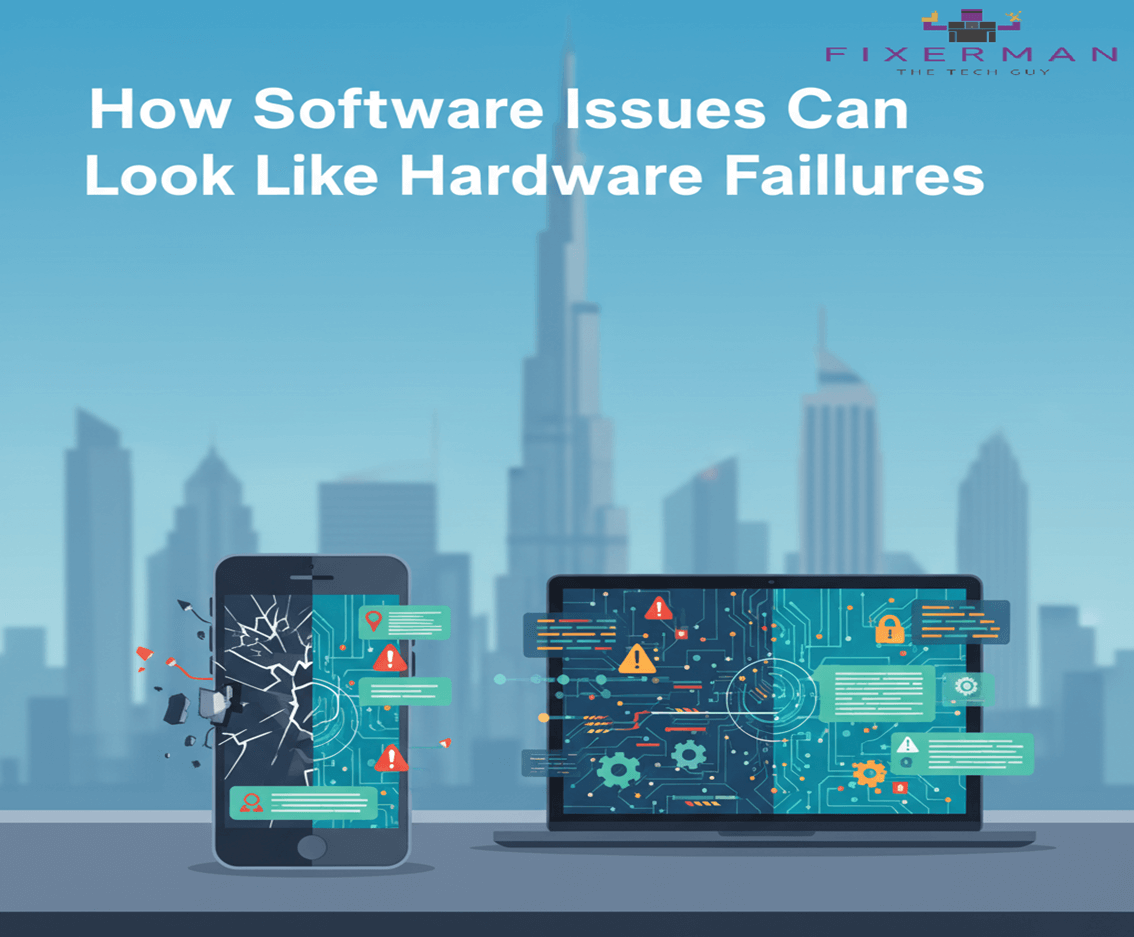
When a device suddenly freezes, crashes, overheats, or refuses to turn on, most people immediately assume the worst: hardware failure. Thoughts of dead motherboards, damaged hard drives, or expensive replacements quickly follow. However, in many real-world cases, the problem isn’t physical at all. Software issues can closely mimic hardware failures, leading to confusion, unnecessary repairs, and avoidable costs.
Understanding how software problems can present themselves as hardware malfunctions is essential for users, IT professionals, and businesses alike. At Fixerman, many devices initially diagnosed as “broken hardware” are ultimately restored by resolving underlying software issues. This article explores why software problems can look so severe, common examples, and how proper diagnosis can save time and money.
Why Software Problems Are Often Misdiagnosed as Hardware Failures
Modern devices rely on complex layers of software—operating systems, firmware, drivers, background services, and third-party applications. When something goes wrong at any of these levels, the symptoms can appear dramatic.
The reason software issues are frequently mistaken for hardware failures includes:
- Software directly controls hardware behavior
- Errors can prevent hardware from responding correctly
- Corrupted system files can block startup processes
- Faulty drivers can disable otherwise functional components
From the user’s perspective, the device simply “doesn’t work,” which naturally leads to hardware concerns.
Common Software Issues That Mimic Hardware Failures
1. Operating System Corruption
A corrupted operating system can cause a device to:
- Fail to boot
- Restart endlessly
- Freeze on the startup screen
- Display black or blue screens
These symptoms are often blamed on failed hard drives or damaged system boards. In reality, missing or corrupted system files, failed updates, or improper shutdowns can trigger these issues.
OS corruption is one of the most frequent causes behind “dead” laptops and desktops that still have fully functional hardware.
2. Driver Conflicts and Failures
Drivers act as translators between the operating system and hardware components. When drivers become outdated, incompatible, or corrupted, hardware can appear broken.
Examples include:
- Wi-Fi not working (faulty network driver)
- No sound output (audio driver failure)
- Display flickering or not turning on (graphics driver issues)
- USB ports not responding (chipset or controller driver problems)
In these cases, replacing hardware won’t solve the issue—updating or reinstalling drivers will.
3. Firmware and BIOS Issues
Firmware problems, including outdated BIOS or UEFI settings, can prevent hardware from initializing correctly during startup. This can cause:
- System not recognizing storage devices
- Random shutdowns
- Fans running at full speed
- Failure to power on properly
Because firmware operates at a low level, issues here often feel like serious hardware defects. However, a firmware update or configuration reset can often restore normal functionality.
4. Malware and Viruses
Malicious software can severely degrade system performance and stability. Some malware strains are designed to consume resources, interfere with system processes, or corrupt files.
Symptoms that resemble hardware failure include:
- Extreme slowness
- Overheating due to high CPU usage
- Random crashes and freezes
- Applications failing to open
Users may believe their processor or memory is failing, when the real culprit is malicious software running silently in the background.
5. Software-Induced Overheating
Overheating is commonly associated with dust buildup, fan failure, or thermal paste issues. However, software can also cause overheating by:
- Running uncontrolled background processes
- Creating infinite loops that spike CPU or GPU usage
- Poorly optimized applications consuming excessive resources
In such cases, hardware components are responding normally—they’re just being pushed too hard by software.
6. Storage Errors That Look Like Drive Failure
Bad sectors, file system errors, or corrupted indexes can make storage devices appear faulty. Symptoms may include:
- Slow file access
- Files disappearing
- Inability to install or update software
- Frequent system crashes
While these issues can indicate aging drives, they are often repairable using software tools without replacing the storage device.
The Cost of Misdiagnosing Software Problems
Misidentifying software issues as hardware failures can lead to:
- Unnecessary part replacements
- Higher repair costs
- Data loss due to premature drive replacement
- Longer downtime for individuals or businesses
Professional diagnostic services, like those offered by Fixerman, focus on isolating software and hardware layers separately to ensure accurate conclusions before repairs begin.
Signs the Problem Is Likely Software, Not Hardware
While only proper diagnostics can confirm the cause, these clues often point toward software issues:
- The problem started after an update or new installation
- Hardware works intermittently
- The system powers on but behaves unpredictably
- Issues disappear in Safe Mode
- External boot media works normally
These signs suggest that the physical components are intact, and the issue lies in software configuration or corruption.
How Professionals Diagnose Software vs Hardware Issues
Experienced technicians follow a structured approach:
- Visual and Power Checks – Confirm the device powers on and components initialize
- Safe Mode or External Boot Testing – Determines if core hardware functions independently
- Error Log Analysis – Identifies driver failures, crashes, or corrupted services
- Stress and Resource Monitoring – Checks whether hardware behaves normally under controlled loads
- Software Repair Before Replacement – Attempts restoration before recommending new hardware
At Fixerman, this layered diagnostic process ensures customers aren’t paying for hardware replacements they don’t need.
Why This Matters for Businesses and Everyday Users
For businesses, misdiagnosed failures mean lost productivity, higher IT expenses, and disrupted workflows. For individuals, it means frustration, unnecessary upgrades, and potential data loss.
Recognizing that software can be just as disruptive as hardware—and sometimes indistinguishable without proper testing—helps users make smarter repair decisions.
Conclusion
Technology today is deeply software-driven. When software fails, it can bring even perfectly healthy hardware to a complete standstill. From boot failures and overheating to unresponsive components, software problems often wear the mask of hardware failure.
Before assuming the worst, it’s crucial to consider software as a potential cause. Proper diagnosis, updates, malware removal, and system repairs can often bring devices back to life—without replacing a single physical part.
If your device shows signs of serious failure, consulting experienced technicians like Fixerman can make the difference between an expensive replacement and a simple software fix. In many cases, the hardware isn’t broken at all—it’s just misunderstood.